

One-Click Duplicate File
Remover For Your PC
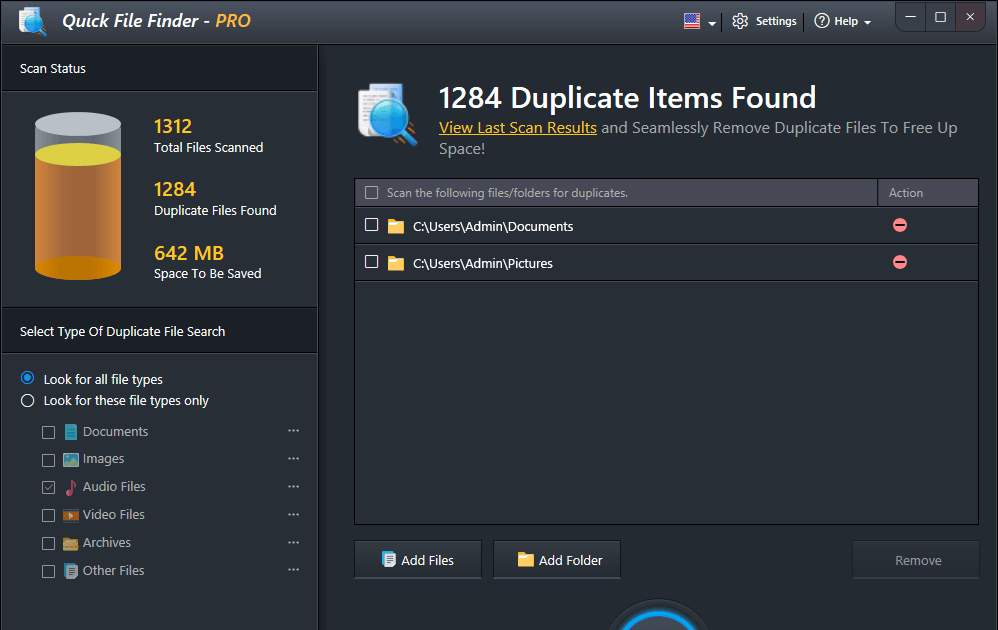
Easily find and delete duplicate photos, videos, music files, and documents.Simply run our advanced scans and get a cleaner, faster, and more organized PC with Quick File Finder.
Key Features of Quick
File Finder

Smart Scan Engine
Quickly scans your PC and finds exact and similar duplicate files.

Auto Mark Feature
Automatically selects the best file in each group for safe removal.

All File Types
Supports documents, photos, videos, music, archives, and more formats.

Drag & Drop UI
Just drag folders or files into the app to begin scanning instantly.

Deep Photo Match
Advanced photo comparison detects even similar-looking images and edits.
Real-Time Preview
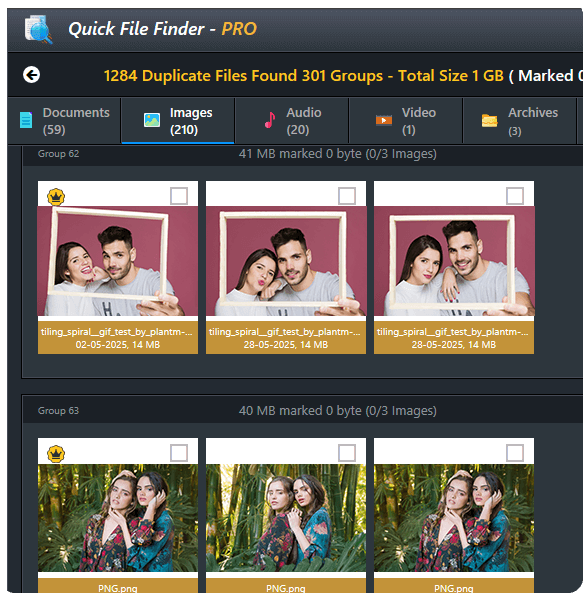
See file details before deleting, check size, date, path, and more.
HIGHLIGHTS
Experience Speed & Space Like Never Before!
Tired of sluggish tools that can’t make your PC faster and clutter-free at the same time? Quick File Finder is your saviour! Just download and run simple scans.

One-Click Cleanup
No hassle, no mess. Just select and delete duplicate files with a single click — fast, precise, and totally effortless.

Smart Storage Optimization
Clear up valuable disk space by removing file clutter. Your PC gets faster, cleaner, and more efficient instantly.
 Find & Delete
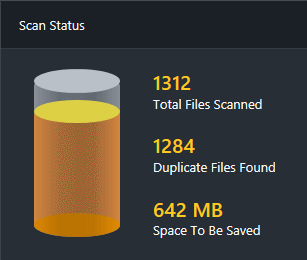
Superfast Scans
BENEFITS
Light, Fast & Super Easy to Use
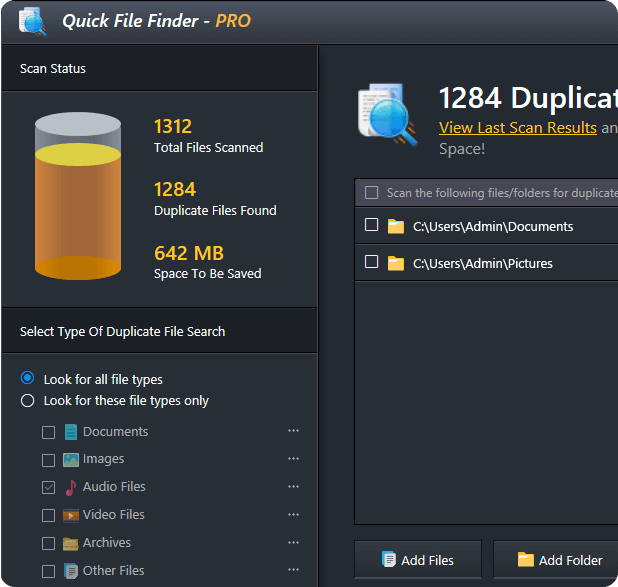
Say hello to a smooth, modern interface designed to make PC cleanups feel like a breeze, even for beginners.
 Intuitive Interface – Simple navigation, powerful tools.
Smart Categorized Results – Organizes all files.
File Preview Feature – Gives full control over deletion.
Super Fast Speed – Scans files in seconds.
Flawless Compatibility & Hassle-Free Integration
Each segment of the application is precisely developed for deep & accurate cleaning of
most Windows devices to deliver optimization.
Smart File Recognition
Detects and matches exact and similar files across images, docs, videos & more.
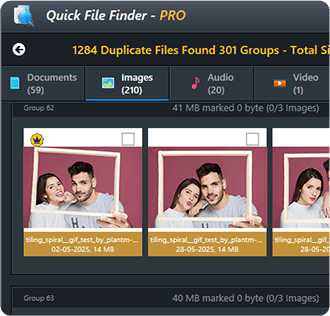
Organized Group View
Each duplicate group is neatly organized, so you never delete the wrong file.
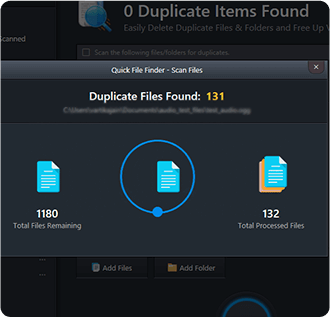
Lightning-Fast Scans
Our scan engine is designed to scan thousands of files without slowing your PC.
How Quick File Finder
App Works- A Glance
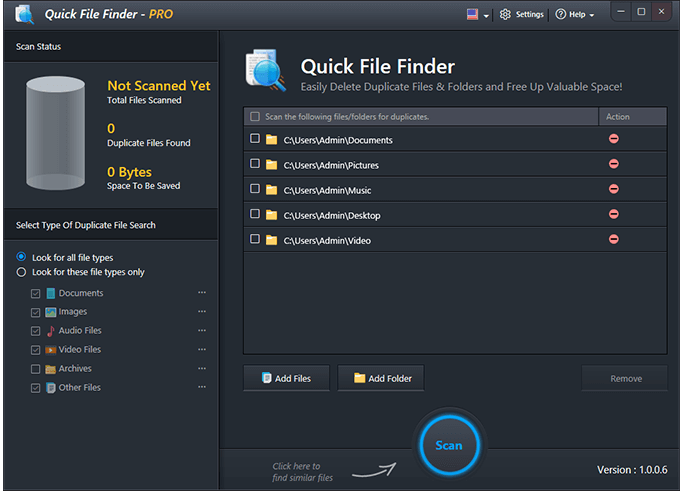
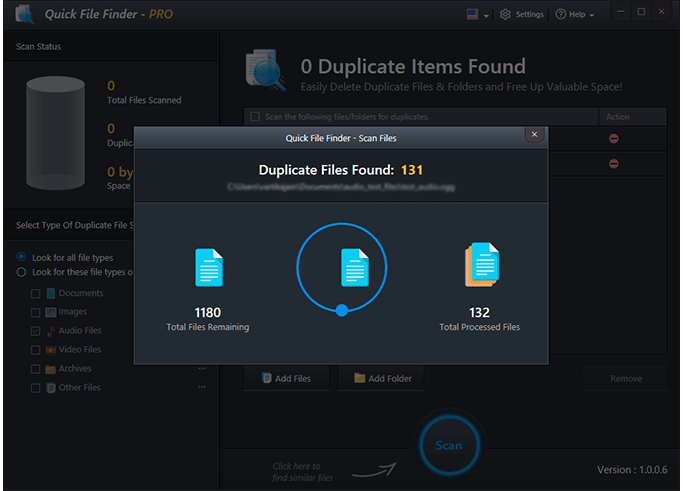
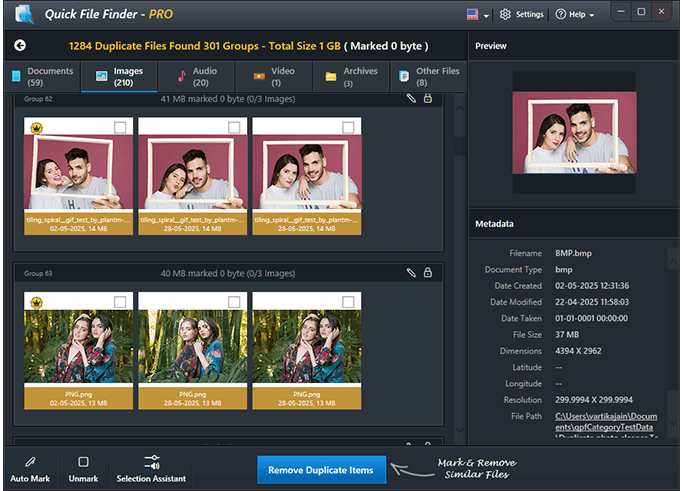
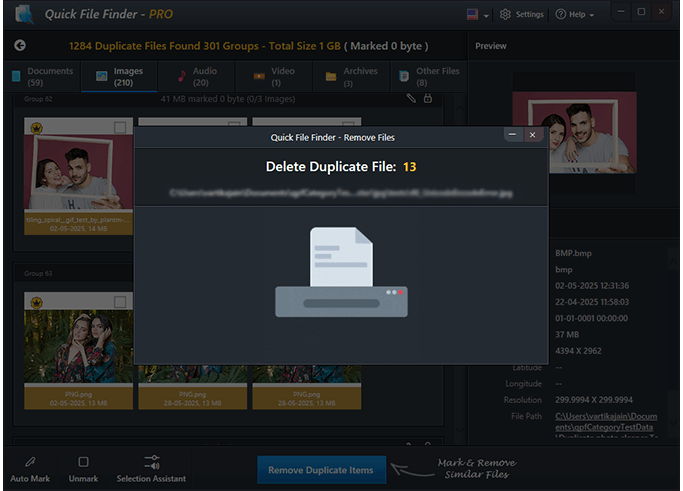
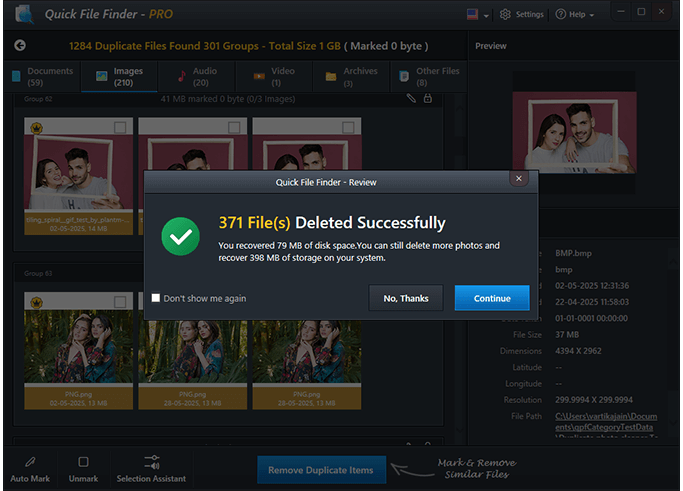
Cleanup Without Guesswork
Easy, Simple & Assured Duplicate Files Removal
You don’t need complex tools to get results. Quick File Finder offers a straightforward and efficient solution to delete duplicate files, giving you full control without risk.
Whether it’s images, videos, documents, or music files, you can preview items, choose exactly what to keep, and delete the rest in a single click.
- Keep full control over your data
- Organize your files and manage them easily
- Manual selection with easy preview features
- One-click removal of selected duplicates
Simple cleanup. No stress. Just smarter space-saving.
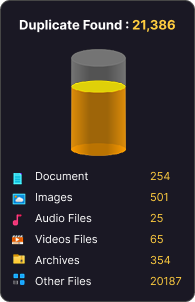
Delete Duplicates
 Get Faster PC



Get a Faster, Cleaner PC Now!
It's time to get over your slow and unorganized PC! Quick File Finder can find and delete duplicate and unwanted files, freeing up disk space and making your computer feel like new again! Get started with a few simple clicks – download now and experience the difference!
Resolve Your Queries Before You
Get Started!
Quick File Finder detects and removes all common file types, including images, videos, documents, and audio files.
Yes! Quick File Finder is fully compatible with Windows 11, 10, and 8.1. It works seamlessly across all these versions and supports all major file types, making it a perfect fit for most Windows PCs.
Once you download the application, you need to install it and open it to run scans of your entire PC for duplicate files, including documents, images, videos, and more. It then groups similar files together, making it easy for you to review and delete the ones you don’t need. With just a few clicks, you can reclaim valuable storage space and keep your system clutter-free.
Yes! You can start using the free version to scan and delete duplicate files. Full features are available with the premium upgrade.
We offer email support through which you can contact our team and get your queries resolved.
Yes, you can upgrade at any time directly from your account settings.
You’ll enjoy a cleaner, faster PC with more available storage space, plus an organized file system and peace of mind.
Yes! We provide special pricing for users who choose annual subscriptions, a great way to save more in the long run.